Built-In Ad Blocker
uBlock Origin comes preinstalled and enabled, so ads, pop-ups and many annoying banners are filtered automatically. You get cleaner pages from the first launch without hunting for an extension.
Helium Browser is a Chromium-based browser built for people who want speed without the clutter. Ad and tracker blocking is switched on from the first launch and unnecessary background services are removed, so pages load quickly and your browsing stays more private.
High-speed performanceBuilt-in privacyA cleaner, smarter web experience
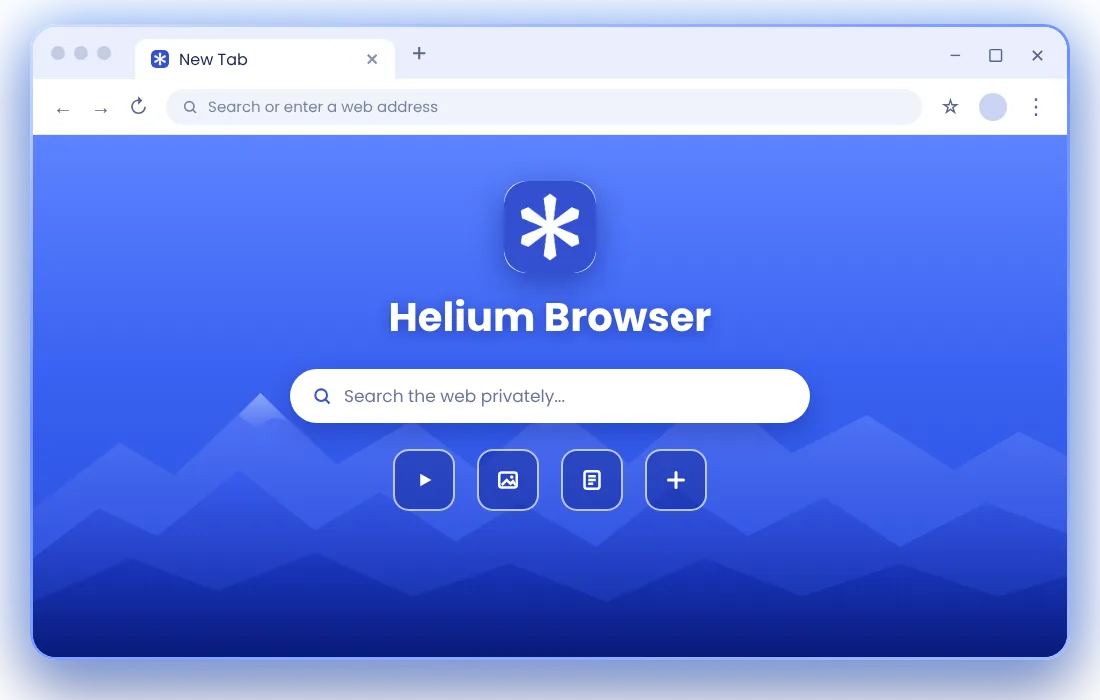
Helium Browser is a free, open-source web browser for Windows, macOS and Linux. It is built on Chromium, the open engine behind many popular browsers, so websites look and work the way you expect. More specifically, Helium starts from ungoogled-chromium, a version of Chromium with Google's background services and connections removed. On top of that, the Helium team adds a privacy-first setup: uBlock Origin is included and active from the start, telemetry is left out and the browser avoids network requests you did not ask for. The result feels familiar to anyone who has used Chrome, but quieter and cleaner, with less to configure and more of your attention on the page you actually opened.
Everything that makes Helium feel faster, cleaner and more private than a standard browser, built in and ready from the first launch.
uBlock Origin comes preinstalled and enabled, so ads, pop-ups and many annoying banners are filtered automatically. You get cleaner pages from the first launch without hunting for an extension.
Helium removes the Google services and telemetry found in standard Chromium and blocks common trackers by default, with extra measures that make browser fingerprinting harder.
With fewer ads, scripts and background services loading, pages feel lighter and more responsive. Chromium keeps scrolling, video and modern web apps running smoothly.
The interface strips away promotional clutter and keeps the toolbar focused. Handy touches like split view and native !bangs shortcuts help you move faster.
Built on Chromium, Helium uses the same Blink engine as Chrome. Most websites, web apps and Chrome Web Store extensions work as expected, so switching feels natural.
All of Helium's code is published on GitHub under the GPL-3.0 license, so anyone can review how the browser works and check what each release changes.
Helium does not reinvent the web. It keeps a proven engine and changes what happens around it, so every page arrives with less noise.
Built-in filtering stops many ad and tracking requests before they load, keeping pages lighter.
The Chromium engine renders every page, so modern sites, web apps and video work reliably.
Promotional prompts and extra interface elements are removed, keeping your focus on content.
Privacy-friendly defaults come pre-set, and settings stay easy to adjust whenever you like.
Most people do not switch browsers for a feature list. They switch because everyday browsing starts to feel heavy, and Helium is designed to fix that feeling.
No telemetry is sent back, and your activity is not used to build an advertising profile.
No ad clutter competing for attention, so reading and research feel calmer.
Protection works out of the box, with no extensions to find or set up.
A focused toolbar and fewer background services keep everything light.
You decide what to allow or block, without being nudged toward services you did not choose.
Helium Browser is available for all three major desktop platforms. Pick your operating system and the file downloads directly to your device, with no sign-up and no extra steps. Every build is free and comes from the same open-source project.
A 64-bit installer for Windows 10 and Windows 11. Run it, follow the setup wizard and start browsing.
Native disk images for Apple Silicon and Intel Macs. Open the file and drag Helium into Applications.
A portable AppImage that runs on most distributions. Make it executable and launch it.
Install Helium Browser with a build that matches your operating system and processor. Complete the setup for your platform, then bring your bookmarks and browsing preferences with you.
Confirm your operating system and processor before downloading Helium Browser. On macOS, check whether your Mac uses Apple Silicon or Intel; on Linux, identify whether your system uses x86_64 or ARM64.
Choose an .exe installer for Windows, a .dmg disk image for macOS or an AppImage for Linux. Match the processor architecture to your device and obtain the file from the project release source.
On Windows, run the installer and follow the setup prompts. On macOS, open the disk image and move Helium to Applications. On Linux, give the AppImage permission to run before launching it.
Open Helium Browser, import bookmarks if needed and review your privacy and extension settings. Set it as your default browser when you are ready, and keep your installation updated.
Helium Browser and Google Chrome share the same Chromium foundation, so websites behave almost identically in both. The real difference is in the defaults and in what runs quietly in the background.
| Features |  Helium Browser | Google Chrome |
|---|---|---|
| Privacy-first approach | Yes | Different approach |
| Built-in ad blocking | Yes | Limited native options |
| Chromium-based | Yes | Yes |
| Minimal design | Yes | Yes |
| Open-source browser project | Yes | Chrome includes proprietary components |
| Tracker blocking | Built-in | Depends on settings and extensions |
Chrome is a capable browser closely tied to Google's account, sync and services. Helium keeps the Chromium engine but removes those integrations and turns on ad and tracker blocking from day one. If you rely heavily on Google sync across devices, Chrome may suit you better. If you want a familiar browser with stronger privacy defaults and less clutter, Helium is well worth trying.

Helium Browser is designed with safety and privacy in mind, though no browser can promise complete anonymity or perfect security. What Helium offers is transparency: its full source code is public, so its behavior can be reviewed by anyone. Built-in uBlock Origin reduces exposure to malicious ads and tracking scripts, and Helium follows Chromium security fixes with frequent releases. To stay protected, keep the browser updated, download installers only from a trusted source such as the download section on this page, and use the same good habits you would in any browser.
Helium Browser suits anyone who wants a faster, cleaner and more private web experience.
Ad and tracker blocking working from day one, without stacking extensions or digging through settings.
A calm, distraction-free browser for research, study sessions, shopping and everyday reading.
Chromium DevTools, open-source code and a lean setup that is easy to inspect, test and customize.
Familiar Chromium behavior and extension support, minus the Google integrations and promotional clutter.
Helium Browser is a free, open-source, Chromium-based web browser for desktop computers. It is built on ungoogled-chromium and focuses on privacy, speed and a clean interface, with ad and tracker blocking included from the start.